About eStargz
eStargz (seekable tar.gz) is a compression format that enables efficient random access to files within a compressed archive. It's the key technology that makes blobber's selective retrieval possible.
The Problem with tar.gz
Traditional tar.gz archives have a fundamental limitation: they're stream-oriented.
To read any file, you must decompress from the beginning:
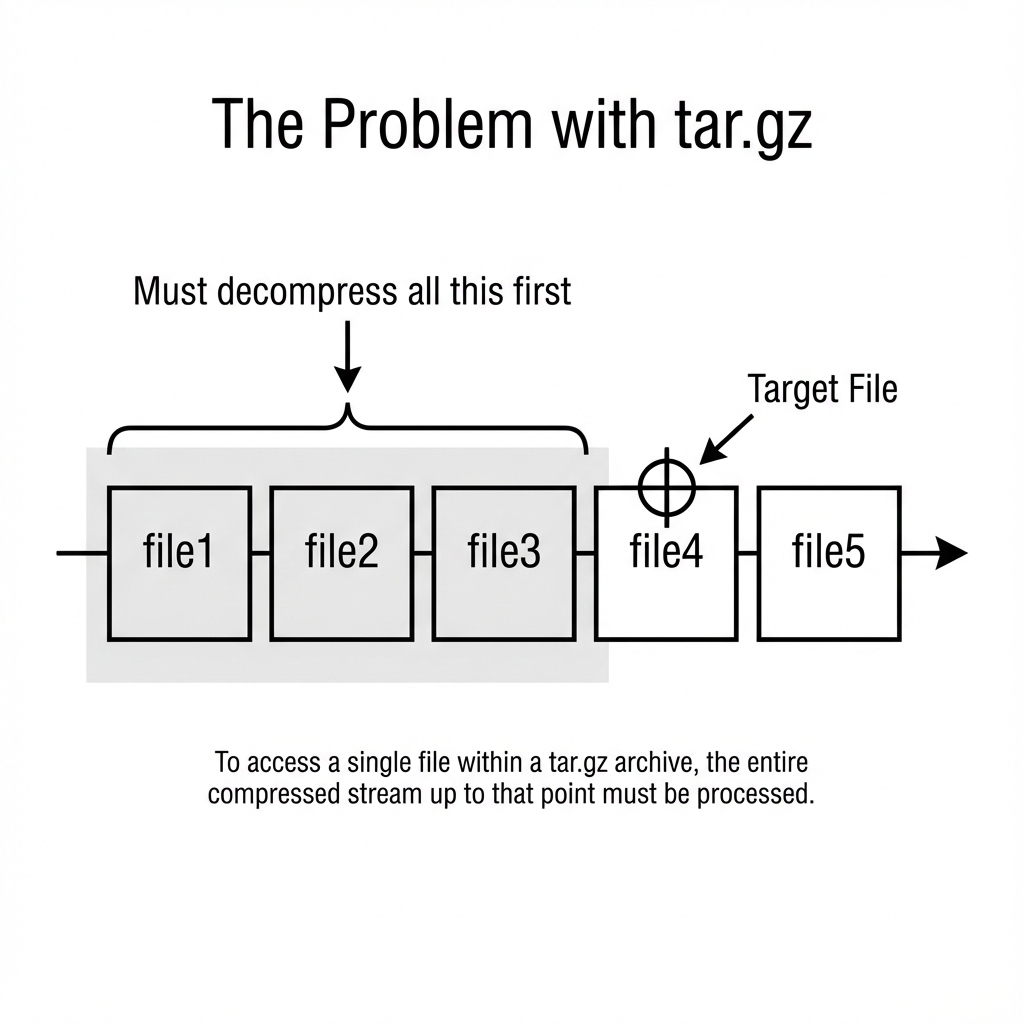
For a 1GB archive where you need one 1KB config file at the end, you download and decompress nearly the entire archive.
How eStargz Solves This
eStargz restructures the archive to enable random access:
1. Table of Contents (TOC)
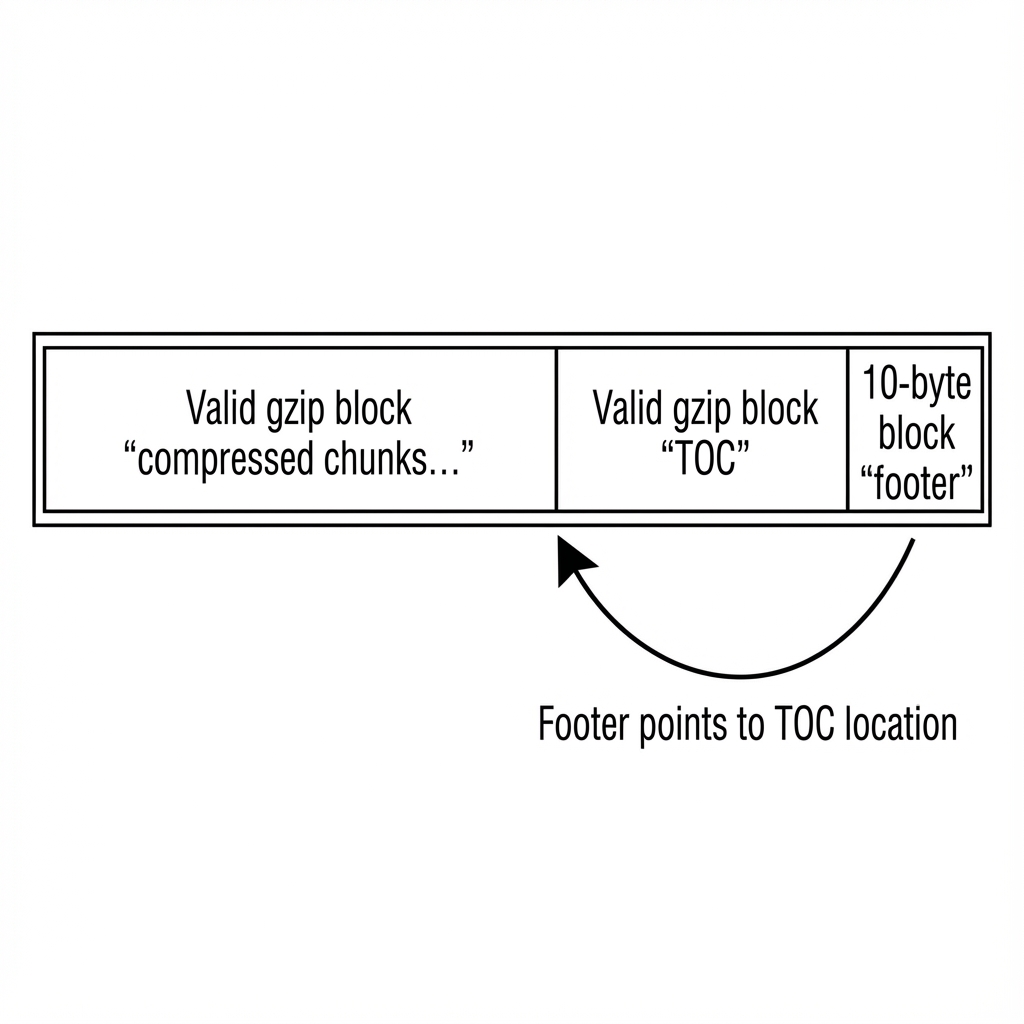
A JSON index at the end of the archive lists every file with its byte offset:
{
  "entries": [
    {"name": "file1.txt", "offset": 0, "size": 1024},
    {"name": "file2.txt", "offset": 1024, "size": 2048},
    {"name": "config.yaml", "offset": 3072, "size": 512}
  ]
}
The TOC is typically a few KB, regardless of archive size.
2. Footer
A small footer (10 bytes) at the very end points to the TOC:
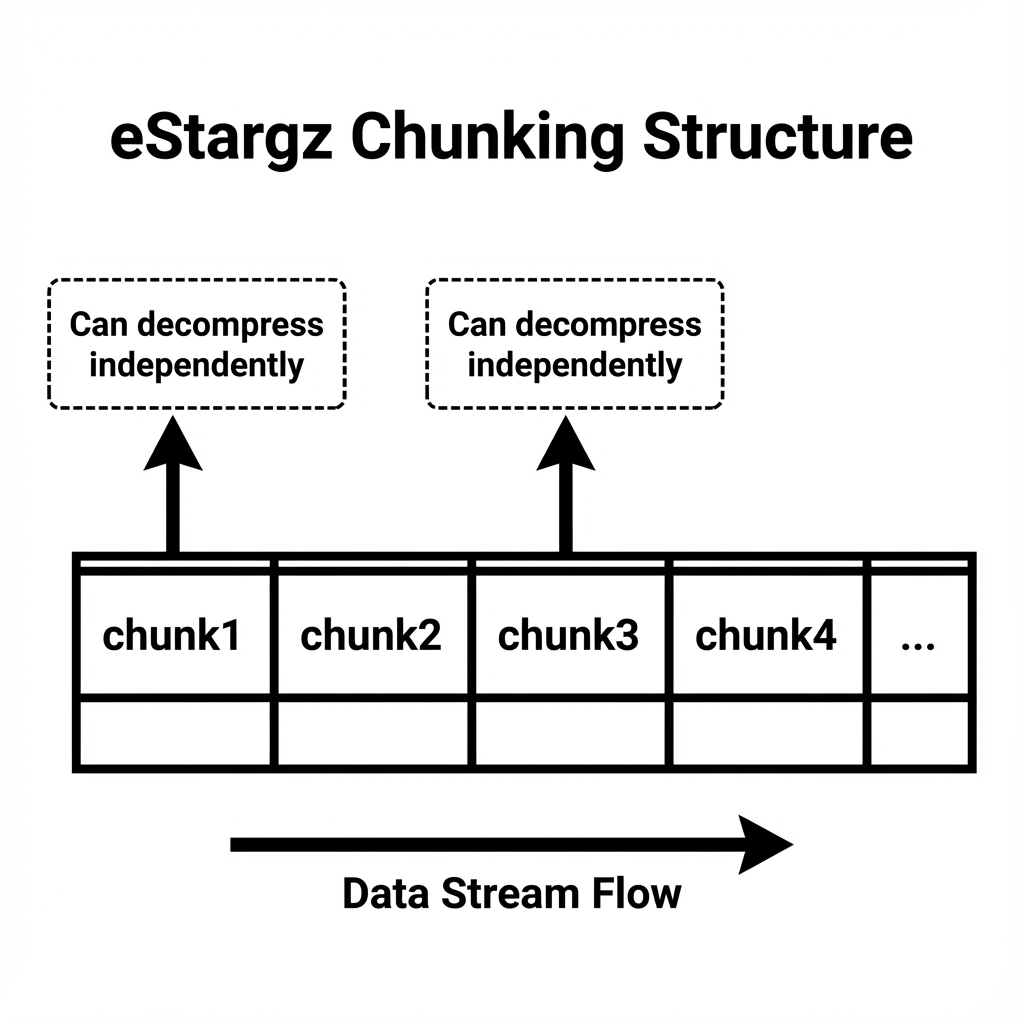
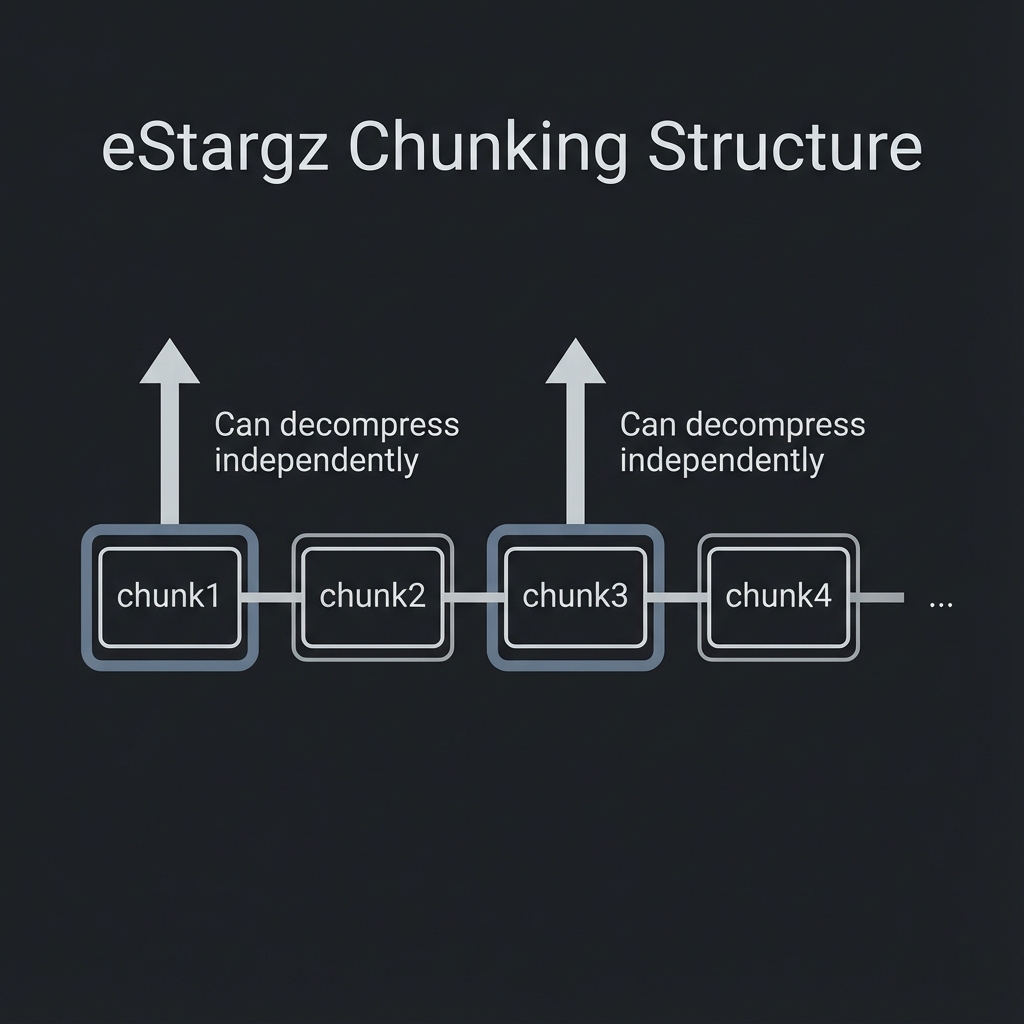
3. Chunked Compression
Files are divided into independently-decompressible chunks (~256KB each):
4. HTTP Range Requests
With byte offsets known from the TOC, specific chunks can be fetched via HTTP range requests:
GET /v2/repo/blobs/sha256:abc123
Range: bytes=3072-3584
The registry returns only those bytes.
What This Enables
List Without Download
To list files, blobber:
- Fetches the footer (10 bytes)
- Parses the footer to find TOC location
- Fetches the TOC (few KB)
- Returns file listing
For a 1GB archive, this might download 50KB total.
Selective File Retrieval
To read a single file, blobber:
- Fetches footer and TOC (if not cached)
- Looks up file's byte offset
- Fetches only that file's chunks
A 1KB config file from a 1GB archive downloads approximately 1KB plus overhead.
Full Download Still Works
When you need everything, blobber streams the entire archive normally. eStargz is backward-compatible with regular gzip readers.
Compression Algorithms
eStargz supports two compression backends:
gzip (default)
- Universal compatibility
- Mature, well-tested
- Slightly slower decompression
zstd
- Better compression ratios
- Faster decompression
- Growing adoption
Both produce valid eStargz archives with identical random access capabilities.
The Three Digests
eStargz introduces digest complexity that's worth understanding:
| Digest | What It Identifies | Used For |
|---|---|---|
| BlobDigest | Compressed blob | Registry storage, pulling |
| DiffID | Uncompressed tar | OCI config rootfs |
| TOCDigest | Table of contents | eStargz annotation |
When blobber pushes:
- Computes all three digests during build
- Stores BlobDigest in the manifest
- Stores DiffID in the config
- Stores TOCDigest as an annotation
Trade-offs
Pros
- Dramatic bandwidth savings for selective access
- Same total size as regular tar.gz
- Backward compatible
- No preprocessing needed at read time
Cons
- Requires registry support for range requests (most do)
- Small overhead in archive size (~1-2%)
- More complex build process
- Three digests to track instead of one
When eStargz Matters
High value:
- Large archives with small config files
- Frequent listing operations
- Bandwidth-constrained environments
- Pay-per-GB transfer costs
Low value:
- Small archives (< 10MB)
- Always downloading everything anyway
- Single-file archives
Further Reading
See Also
- Why OCI Registries - Registry benefits
- Architecture - How blobber implements this